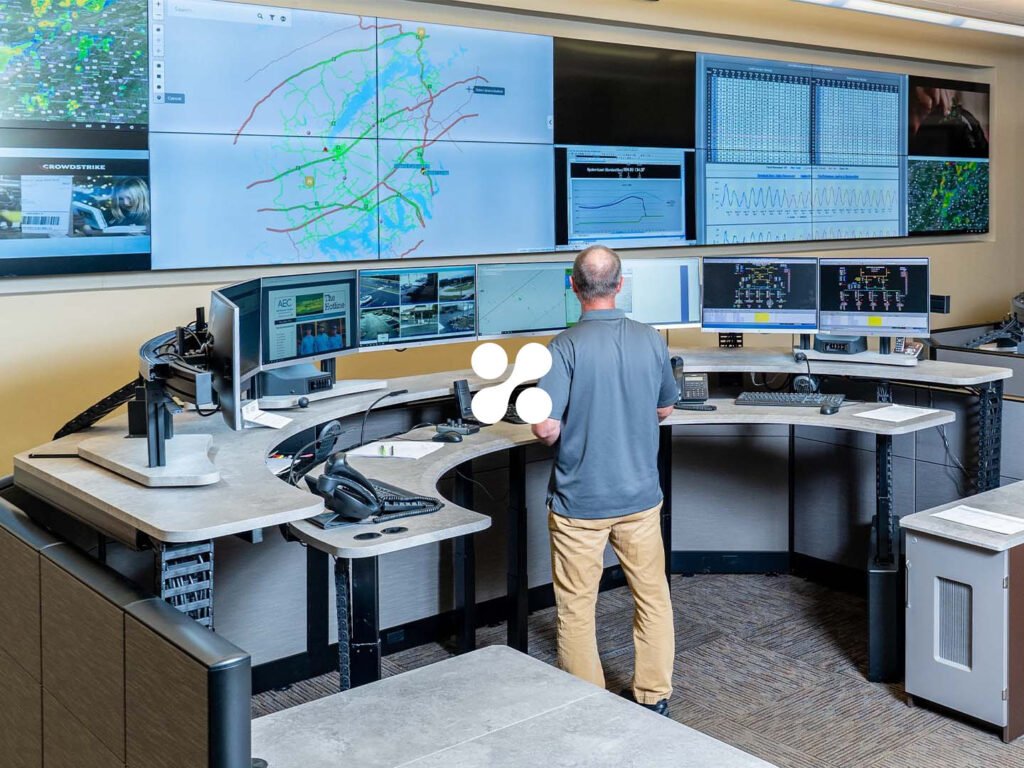
The majority of Xybix's customers work in 24/7 high-pressure environments. Think 911 dispatch centers, hospital operations, and command facilities. The desks are shared across shifts, with multiple people sharing the same workstation in a single day, each adjusting height, lighting, and temperature to their preferences.
In most apps, vertical scrolling is a given. Email-based logins are a default. But in Xybix's case, scrolling to find a switch during an active call is a problem. Entering an email and password during a shift change adds unneeded friction. The design needed to be built from the context up, even if we had to break common patterns.
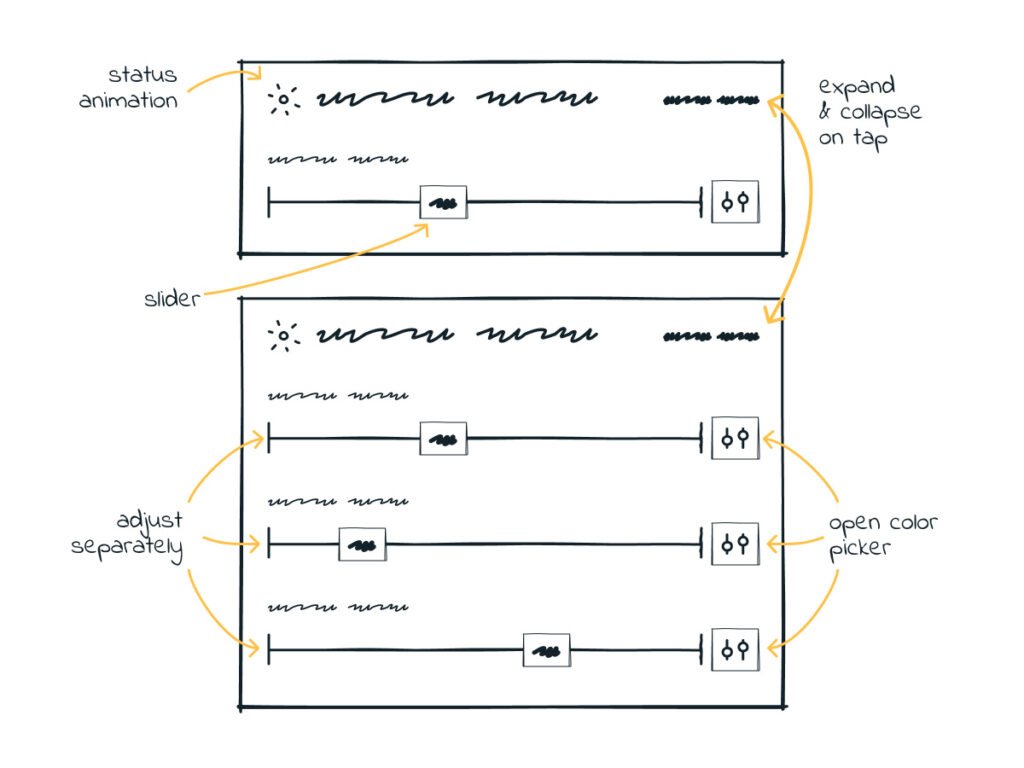
With a large existing customer base, Xybix already had a straightforward direction with this project. The only detail that stood out from surveying customers is that they started using their desk lighting as a communication tool. Green for available, red for not available - the same way people use a Slack status. These insights were incorporated as a feature.
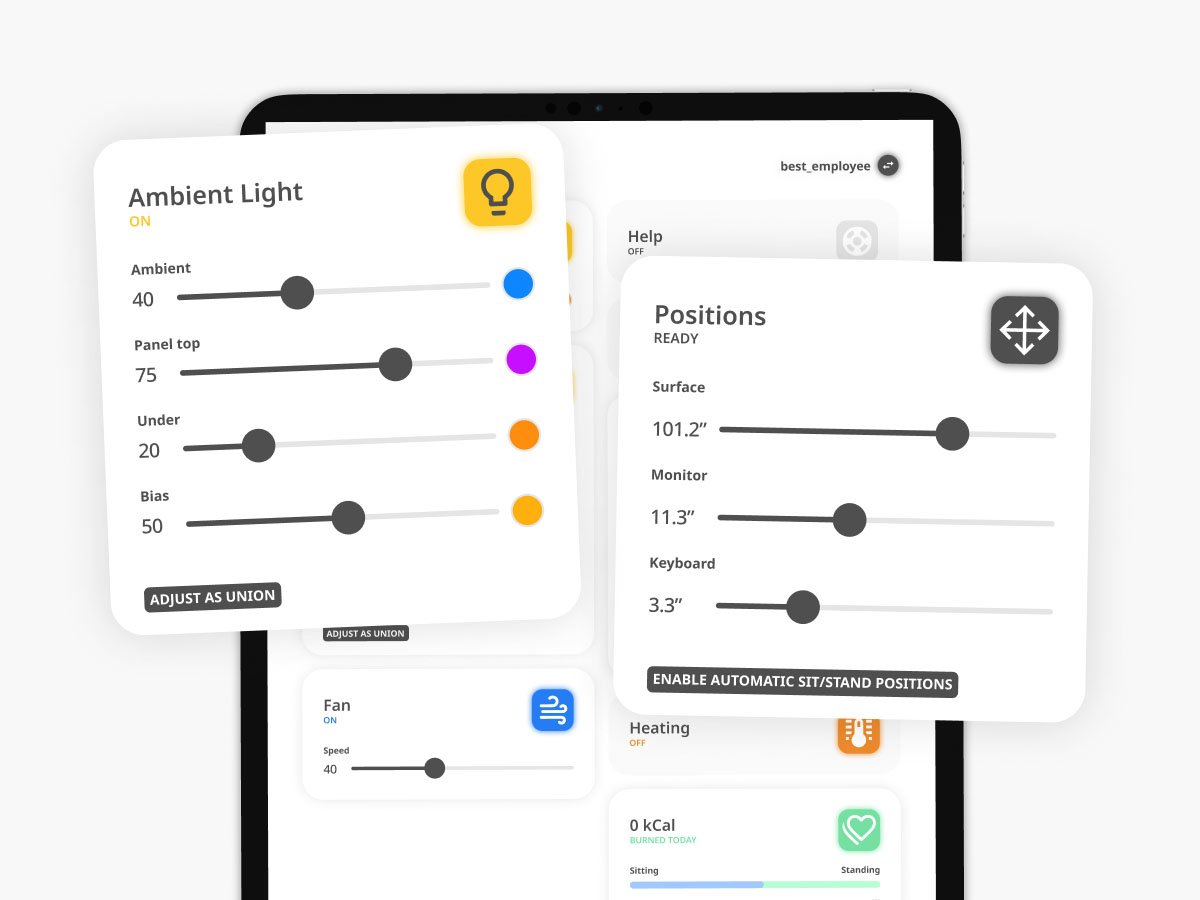
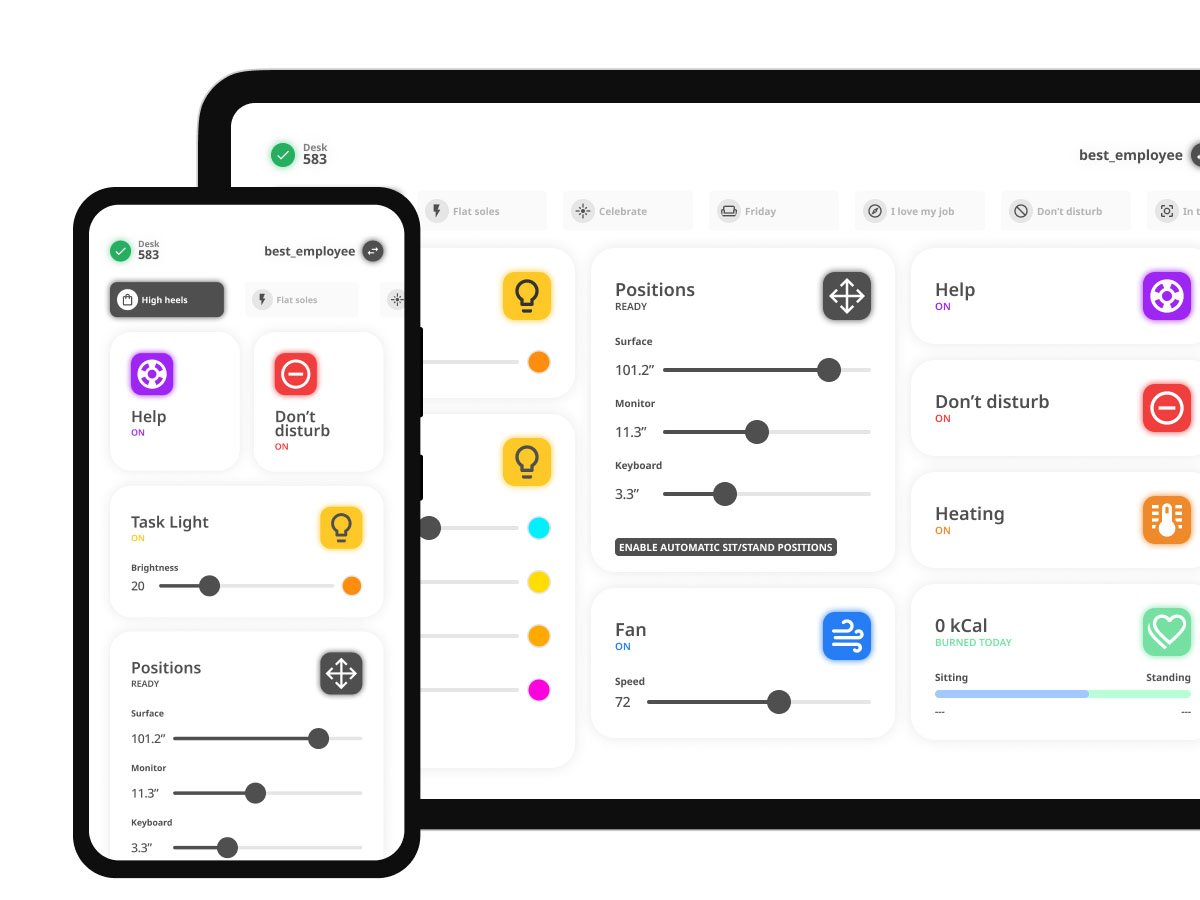
My first recommendation was to eliminate vertical scrolling from the tablet interface entirely. In these settings, the most important controls need to be reachable with a single tap. I designed the main controls view with that as a principle. For non-touch devices, scrolling is acceptable, with the most critical actions always in the first visible row.
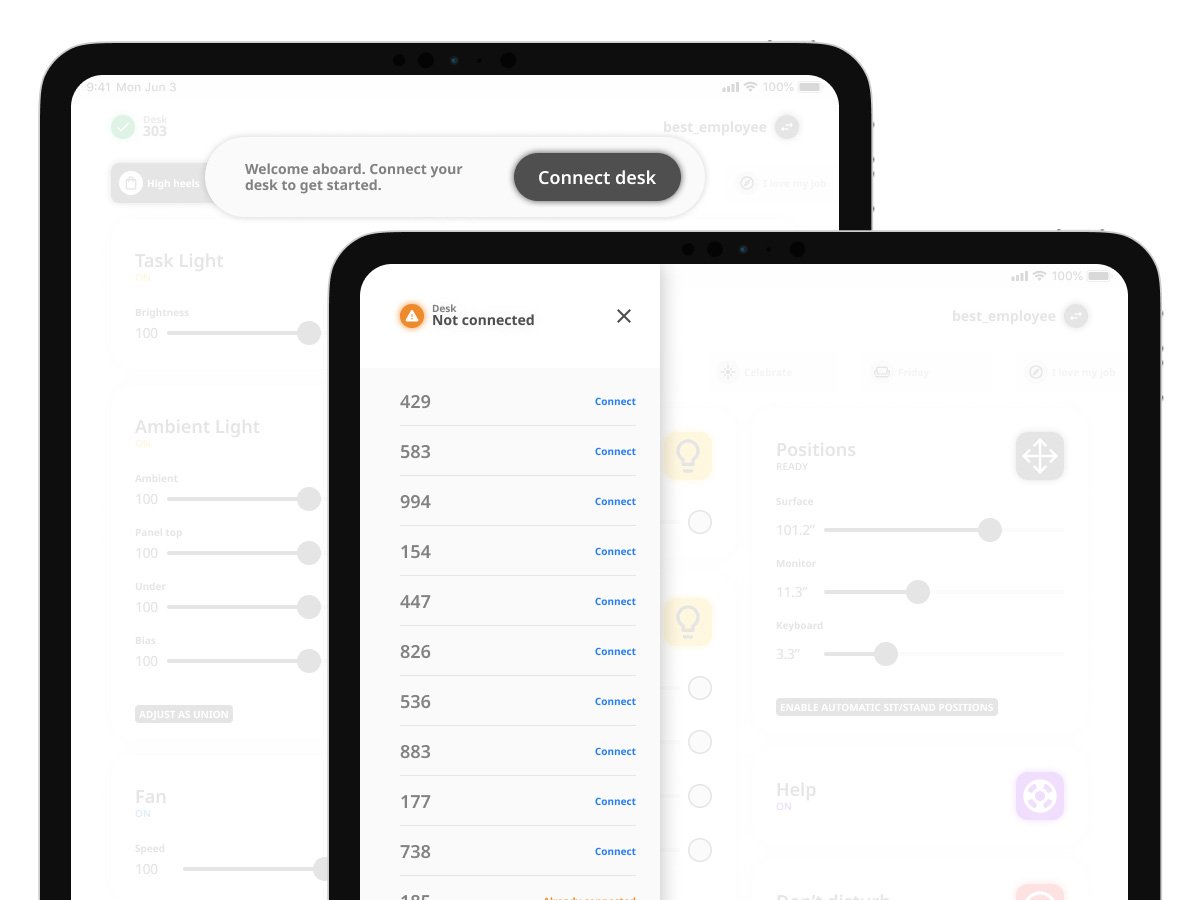
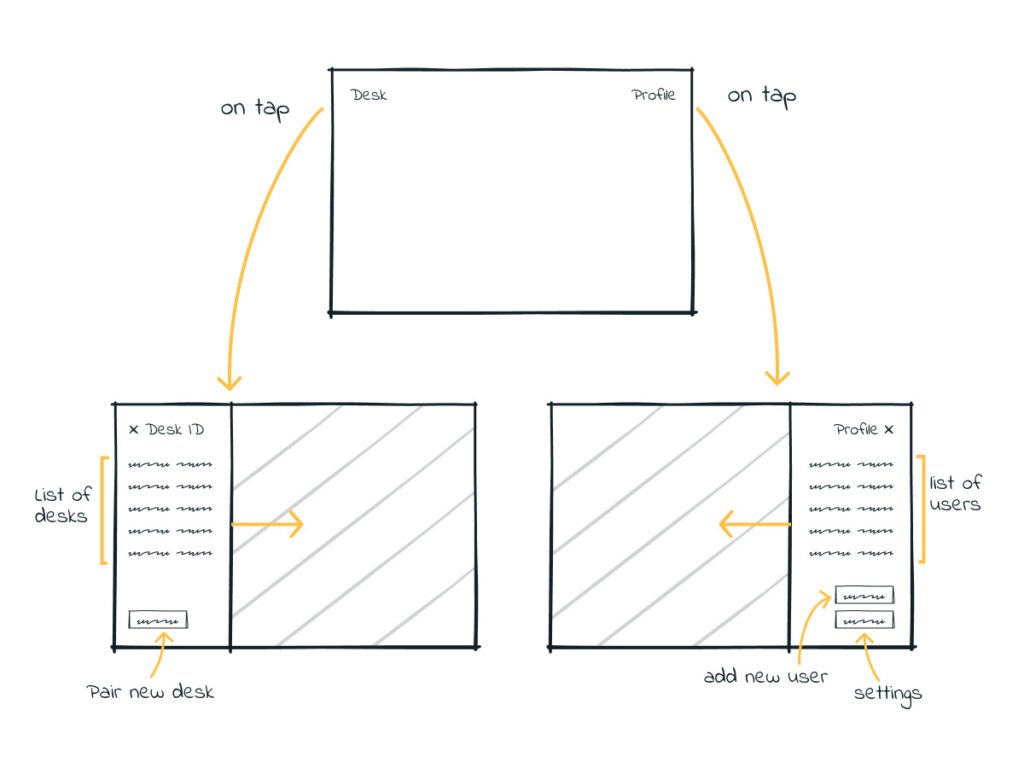
With multiple people sharing the same desk across a workday, every account change needed to be fast. I replaced email accounts with simple usernames and 4-digit PINs, allowing instant profile switching. Height, lighting, and temperature were all there once you were logged in.
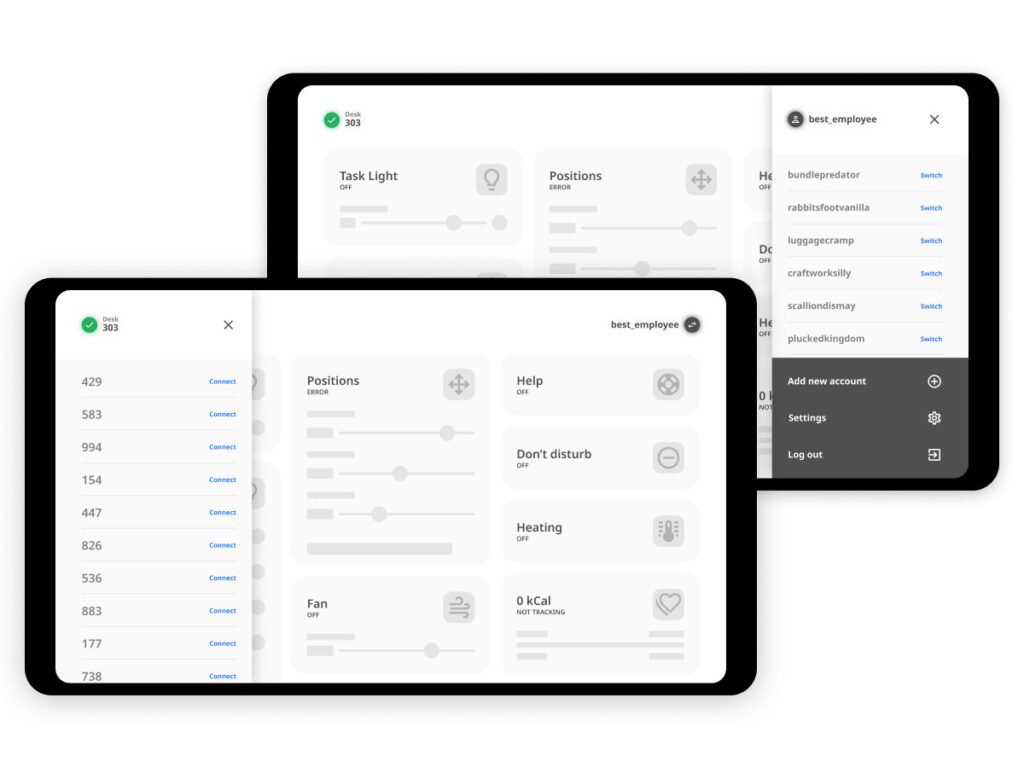
Beyond individual controls, users needed a way to reconfigure the entire desk at once. I designed Scenes - preset configurations for your entire desk in a single tap.
The light-as-communication-tool wasn't my idea. It was already happening informally in some dispatch centers. Operators had worked out that light color could signal availability or the need for assistance to colleagues. I built this into the product properly: dedicated "Help" and "Do Not Disturb" controls with corresponding light behaviors.
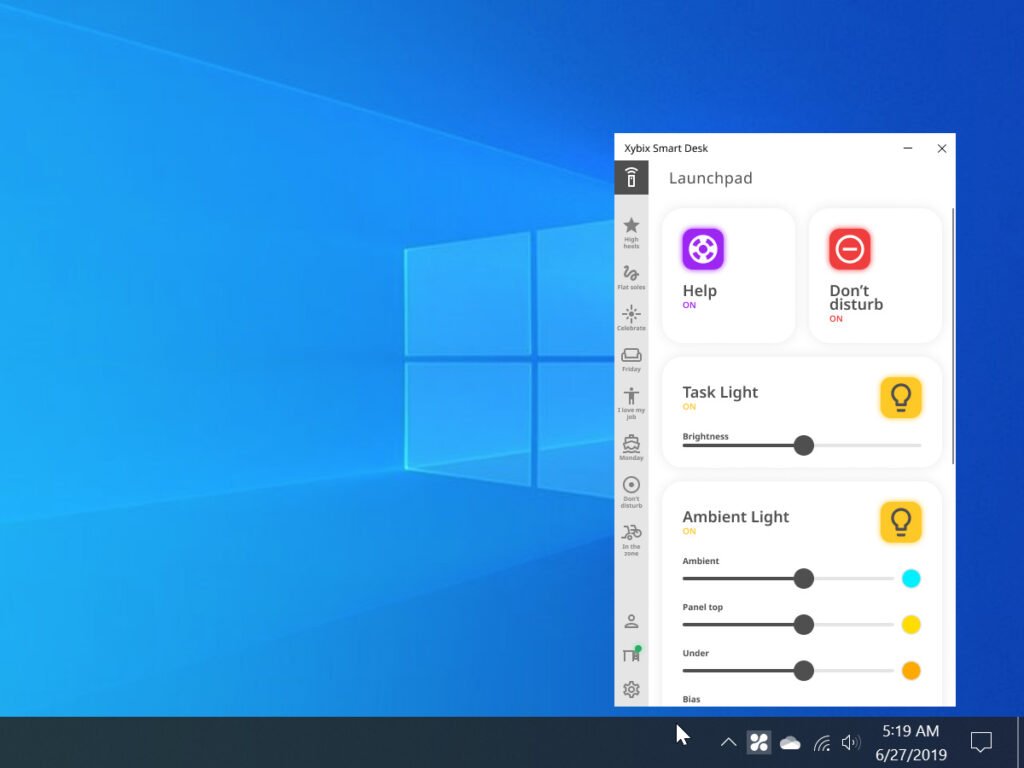
The concept performed well enough in testing that Xybix moved it from concept into full production, resulting in production apps for Android, iOS, and Windows. The app is live. During production, there were integration challenges between the software and the desk hardware, but those were outside the design scope.
Let's meet and discuss it